Are you a PC user contemplating the big switch to Mac? Does your favorite game or app only work on Windows? Do you own a Mac but need access to Windows programs for certain classes? Whatever the case may be, rest assured – you
can have the best of both worlds!
Apple’s Boot Camp and Parallels Desktop for Mac are both applications that allow you to install Windows on your Mac. The big difference?
Parallels Desktop for Mac is the world’s top-rated, bestselling, and most trusted solution – with good reason.
Here are just a few of the reasons why you should choose Parallels Desktop over Boot Camp.
No Rebooting Required
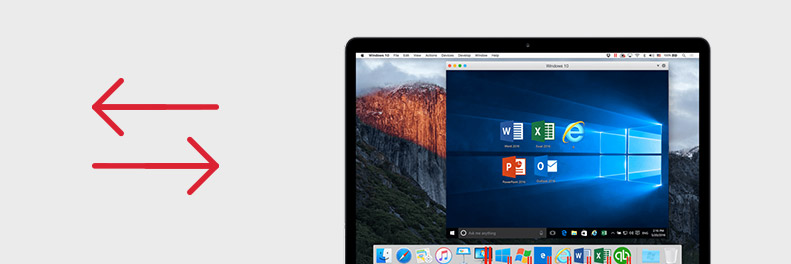
There are only so many hours in a day to check items off your to-do list. Rebooting your computer shouldn’t take up any of your time. When using Boot Camp, you’re required to reboot your computer to switch between Windows and macOS. This can disrupt your work and your time. Plus, it means you can only be on one operating system at once.
With Parallels Desktop, you can work on Windows and macOS simultaneously – no rebooting necessary!
Seamless Switching Between PC and Mac
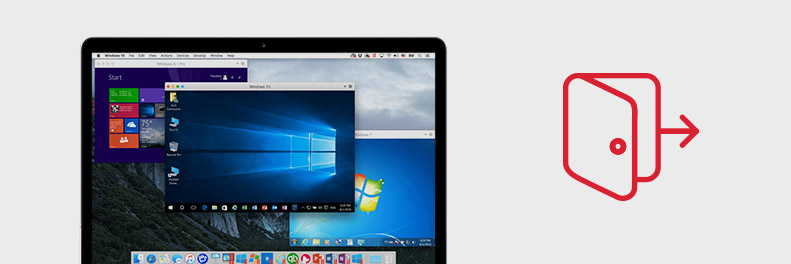
Parallels Desktop lets you work your way. Choose to run Windows in a virtual machine or use Coherence Mode, where you can run Windows applications side-by-side with Mac applications. That’s right – browse the web with Microsoft Edge while creating a presentation in Keynote, write your paper in Microsoft Word while Siri sends you reminders, and much more. The options are endless!
One-Click File Transfers
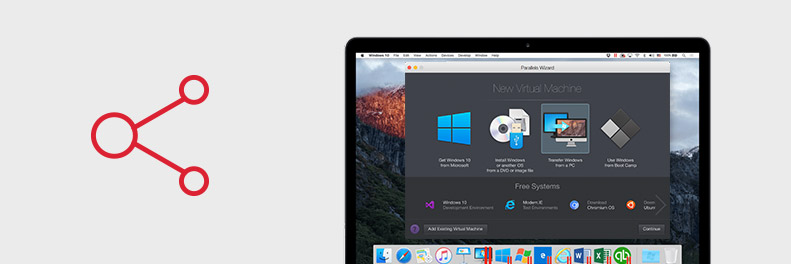
Save yourself from headaches when transferring files and data from one OS to the other. Parallels Desktop lets you share and transfer files, applications, browser bookmarks, and more with a simple drag and drop.
Have you recently switched from PC to Mac? It’s never been easier to move your complete PC to your new Mac. You can even link desktops between Windows and macOS so that any documents you created in one system are automatically copied and saved to the other system. No emails or USB needed!
Use Your Preferred Operating System
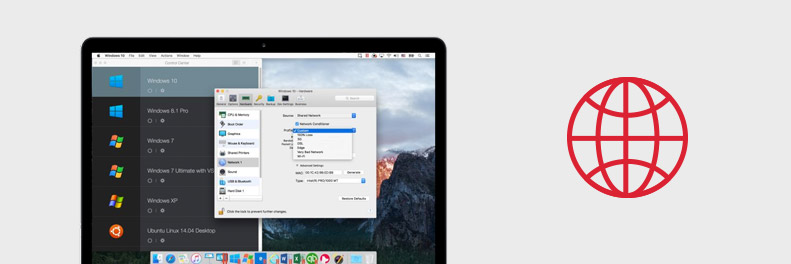
Are you still using Windows XP or Vista? No problem! While Boot Camp only supports the most recent versions of Windows, Parallels Desktop supports older Windows versions as well as other operating systems like Linux and ChromeOS.
Get Parallels Toolbox and Access – For Free!
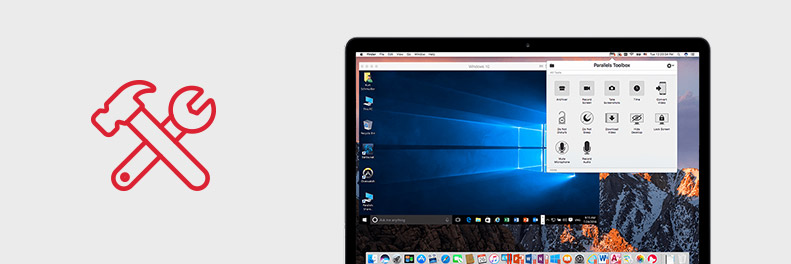
Simplify your everyday tasks with Parallels Toolbox for Mac. You can archive your important files, record a lecture, or study more productively with keyboard shortcuts and one-touch tools. Schoolwork has never been so simple.
You can also connect to your computer wherever you are with Parallels Access. That assignment you forgot to email today? With the tap of a finger, you can access your files and applications on your phone or from another computer. It's all possible with Parallels Desktop for Mac and Parallels Access.
The best part? When you download Parallels Desktop for Mac, you get Parallels Access and Parallels Toolbox at no cost.