
PDF Reader Pro for Mac
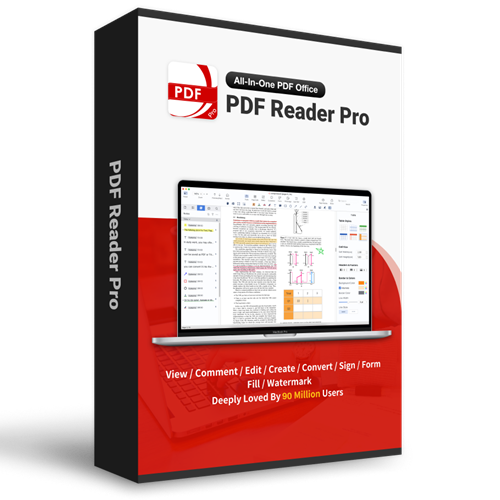
PDF Reader Pro for Mac
Starts From:
Available For:
Disclaimer
It is possible that, at checkout, one or more of the prices offered for customer groups will not be available to you, based on your demonstrated eligibility.
DESCRIPTION
Features
-
READ
- Reading modes - Multi-tab viewing, full-screen, page-fit, horizontal or vertical orientation, auto scroll, Night mode
- Presentation - Slideshow Mode to present your PDF as PPT
- Create, Edit and Search outlines to easily navigate through the whole file
- Bookmark specific pages or sections of PDFs
-
ANNOTATE
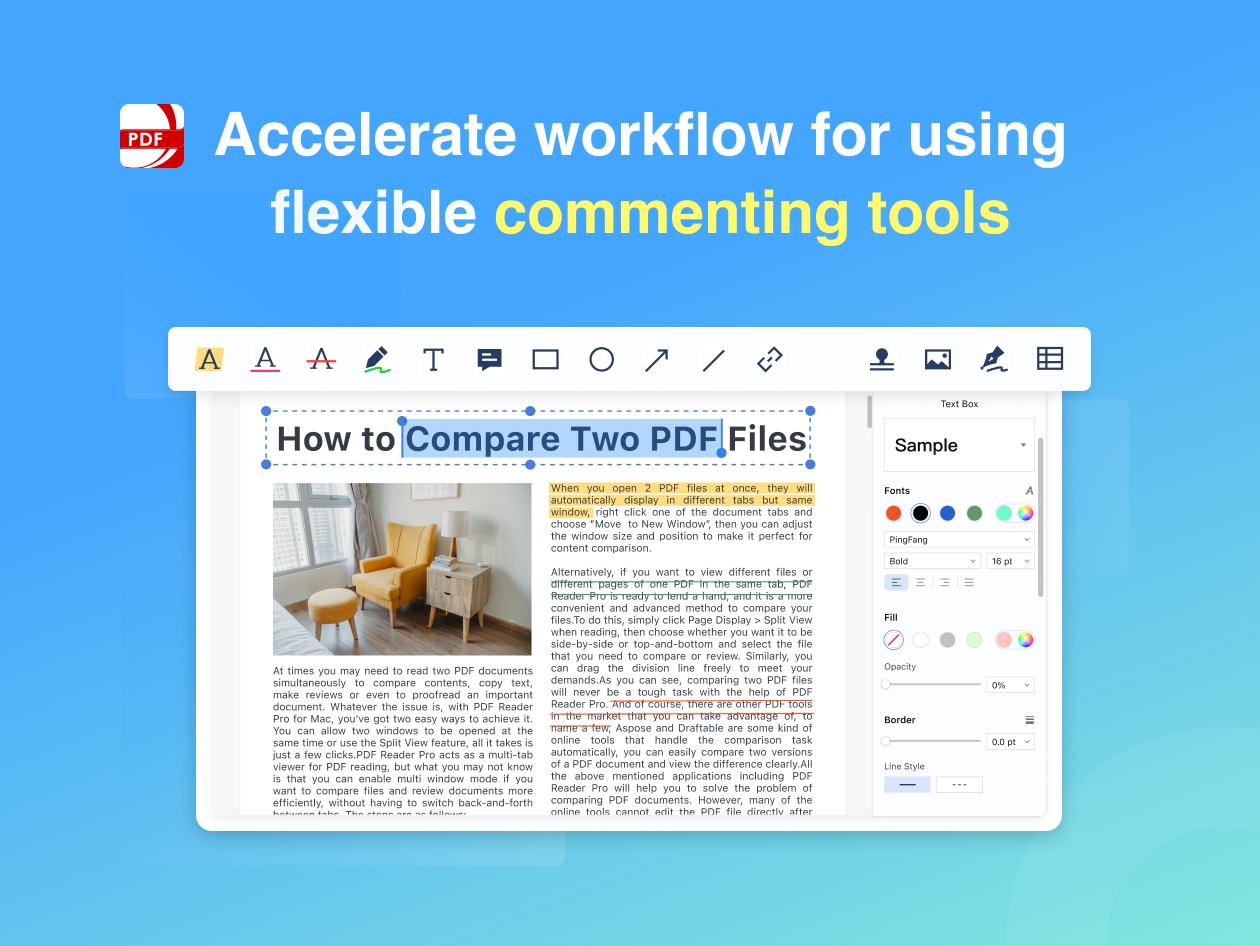
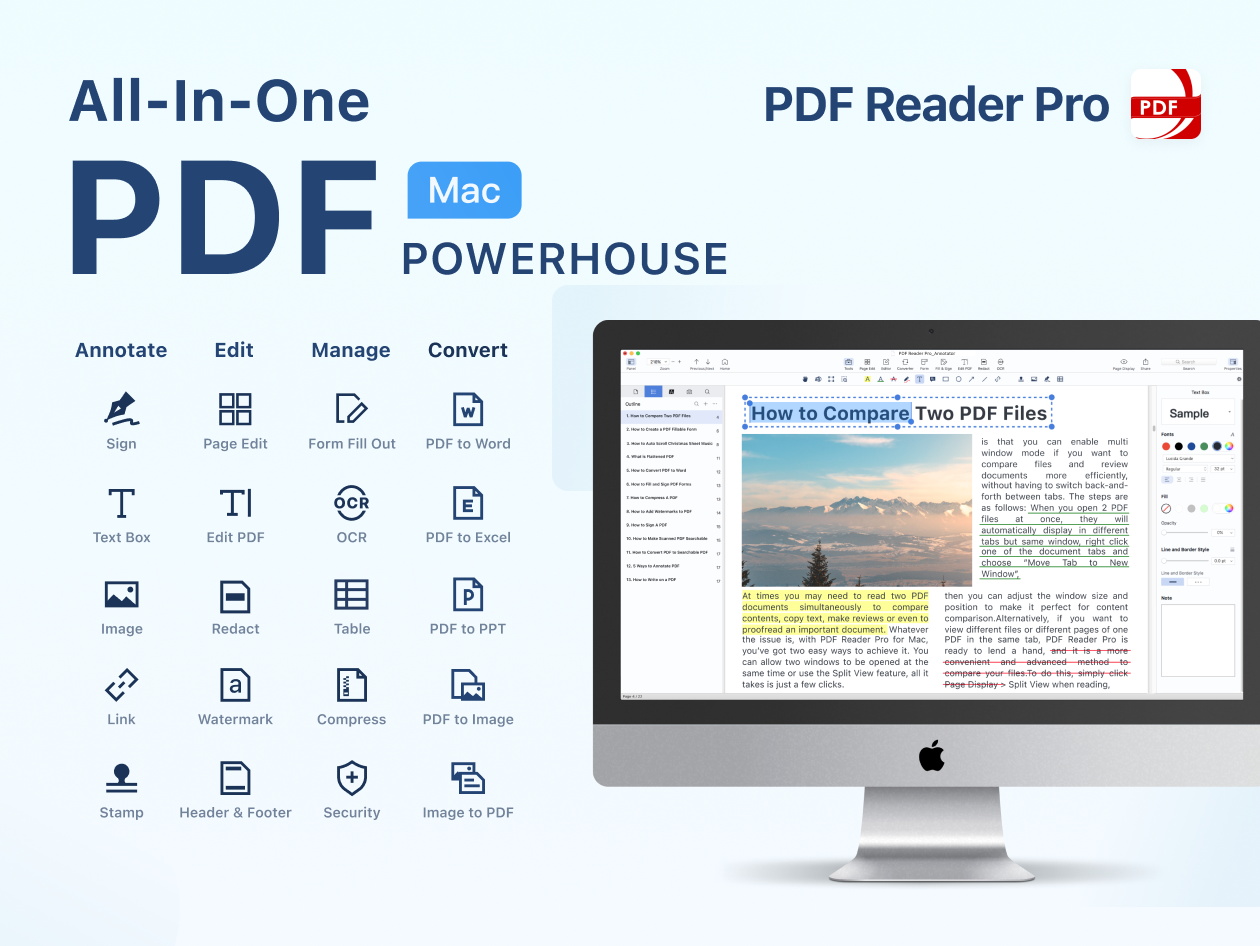
- Classic tools - Annotate and markup PDF with highlight, underline, strikethrough, freehand, text box, anchored note, shape and etc
- Continuous Annotations - Add Comments Continuously
- Sign - Create multiple signatures for any situations with trackpad, keyboard or images
- Stamps - Customize your PDF with custom, image and dynamic stamps
- Link - Add hyperlinks to redirect other destinations, and edit your links as you like
- Table - A table consists of rows and columns of cells. You can add header and footer rows when you create the table
-
PDF Editor
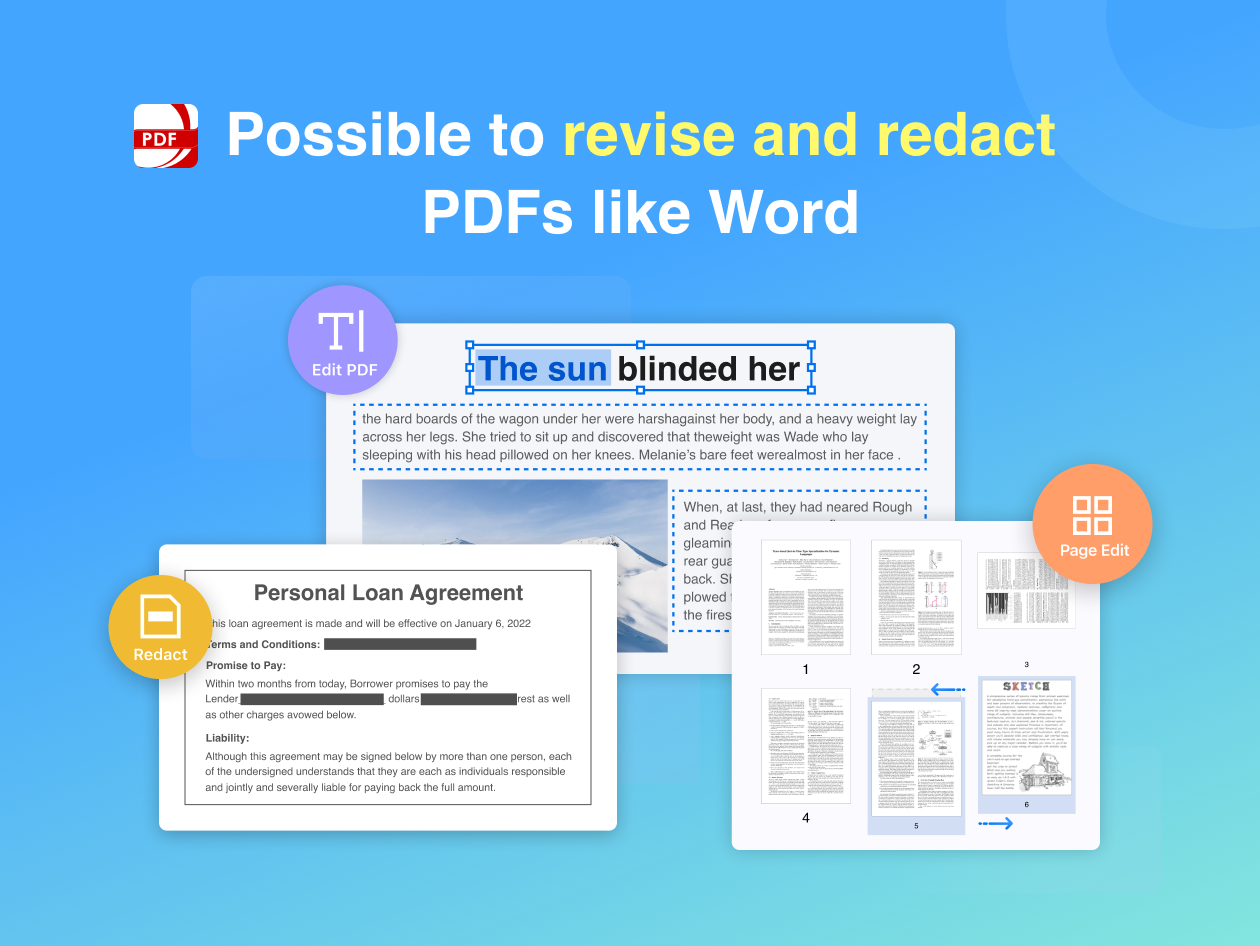
- Edit PDF files including adding, deleting, moving, or modifying text. Change font attributes (size and style)
- Redact PDF - Remove or black out private and sensitive information permanently with the redaction feature
-
Fill FORMS
- Create & Edit Forms. Create fillable PDF Forms from interactive field objects, such as buttons, check boxes and list boxes. Support to align and distribute form objects
- Fill out any PDF forms. Work with static PDF forms created in Adobe Acrobat
- Fill & Sign. Fill and sign PDF form
-
PAGE EDITOR
- Merge & Split - Split files into multiple files or combine multiple pages into a new single, searchable PDF
- Extract - Extract the desired pages to create a new PDF
- Append - Insert another file into the existing file
- Rotate, delete, replace, and crop pages
-
PAGE EDITOR
- Watermark - Add fantastic watermarks to keep your files safe and professional
- Header & Footer - Label each page of your PDF document with fully customized page numbers
- Bates number - Identify and retrieve information from your legal documents. Add a unique prefix or suffix which can be a set number, case number, firm name or date
- Background - Change the background (color or image) of the PDFs to comfort your eyes after long-time reading
- Flatten - Flatten PDF to make the contents static
- Booklet - Booklet puts your pages side by side re-sorted for booklet printing, no matter what printer you have
- Poster - Poster divides large PDF page(s) into multiple smaller Pages
- Multiple - You can print more than one page of a PDF on a single sheet of paper
-
SECURE FILES
- You can also password protect sensitive documents and authorization to edit, copy, modify or print PDFs
-
COMPRESS
- Reduce PDF size to make your documents much lighter
-
LISTEN (Text-to-Speech)
- Ever feel tired of reading large files? Try Text-to-Speech (TTS). 50+ languages supported!
SYSTEM REQUIREMENTS
ELIGIBILITY
RELATED PRODUCTS
View All
Filmage Screen
PDF Reader Pro for Windows